
IEPE Vibration AD Module
IEPE excitation and acquisition. Wireless transfer to the M4.
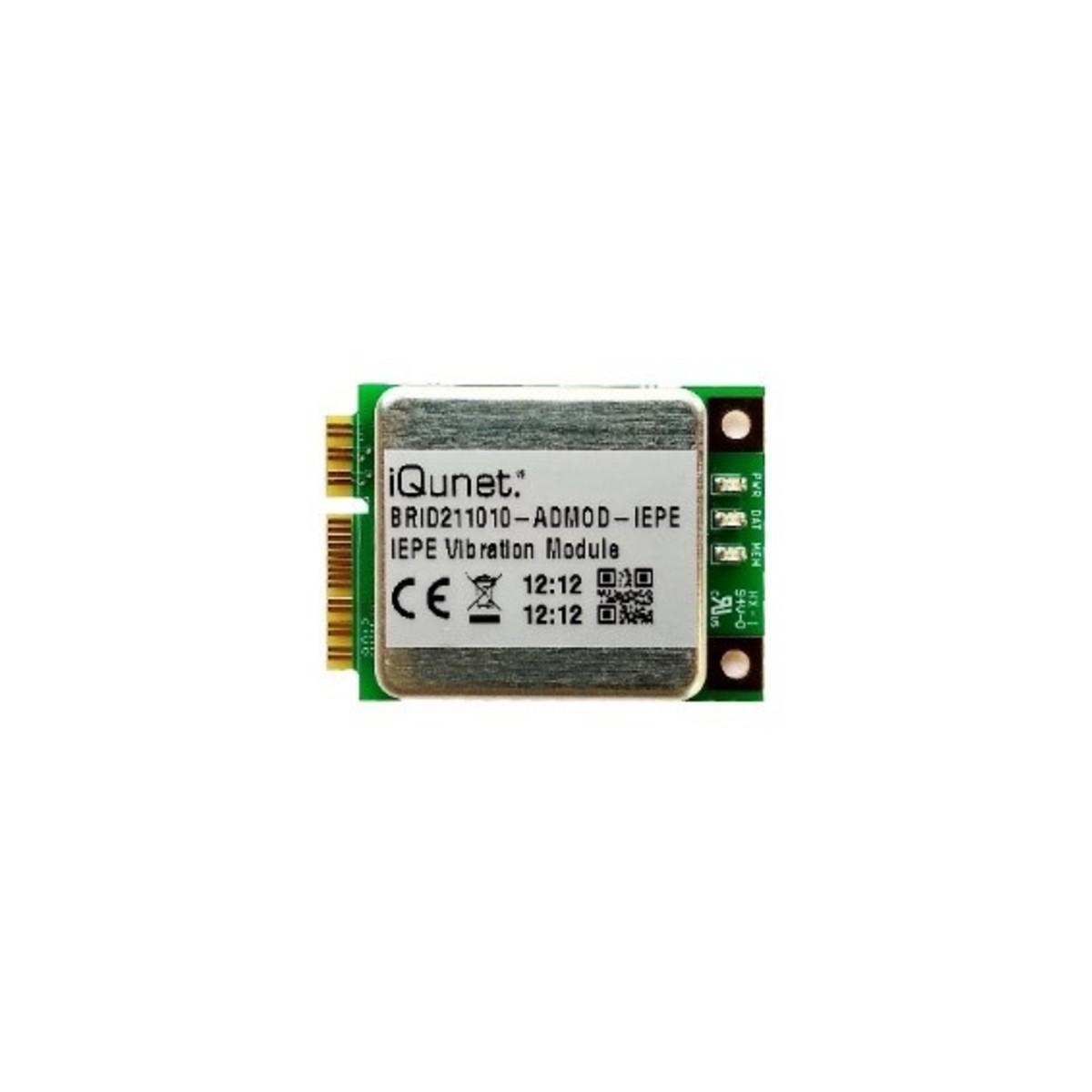
Bring your IEPE sensor into the iQunet system
Install the module in the Wireless Sensor Bridge to power and digitise one compatible single-axis accelerometer. Configure recordings in your browser and inspect the transferred waveforms, spectra and trends on the M4.
- Input
- One single-axis IEPE accelerometer
- Sensitivity
- 10, 100, 500 or 1,000 mV/g
- Recording
- 32–8,192 samples per channel
Keep the sensor close. Place the bridge separately.
Match the accelerometer
Choose the sensitivity setting for the connected IEPE sensor, then connect its shielded cable to the module.
Configure the recording
Select the sample count, recording interval and acquisition settings in the dashboard.
Investigate the signal
Open the time waveform, FFT spectrum or waterfall on the M4. Export samples for further analysis.
The bridge accepts up to three modules. Each records with its own acquisition clock; channels are not phase-synchronised.
Connect through the Wireless Sensor Bridge
The sensor connects by cable to its AD module inside the bridge. The bridge transfers recorded measurements to an M4 with a compatible iQunet radio interface.
Bridge, power & cable optionsTechnical details
Measurement specs
Product documents
DatasheetRequest a quotation
IEPE Vibration AD Module
Include your accelerometer model and sensitivity if you already have a sensor. We’ll specify the matching module, cable and bridge.