
The iQunet monitoring system
From the measurement point to the recorded history. Sensors, local processing and analysis in one connected system.
Three parts. One measurement workflow.
Use the M4 for a local measurement history and browser analysis. Already have a Modbus controller? ModVibe can connect to that system; an M4 is optional for that connection.
Plan a first setupMeasure on the machine
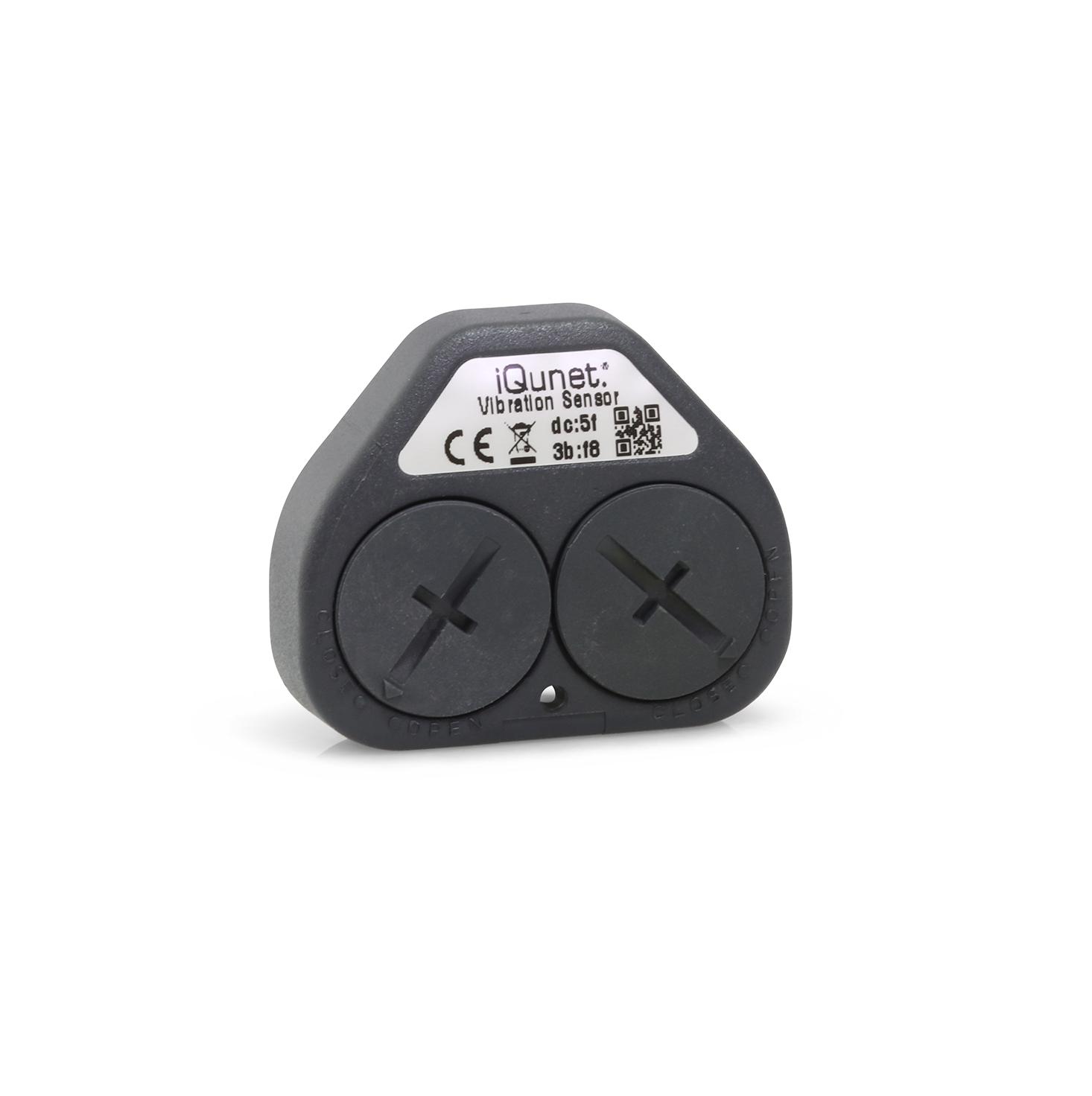 Wireless vibration sensor
Sensors & measurements
Capture vibration and current waveforms, or follow power, position and environmental measurements. Choose the sensor around the measurement task.
Compare the sensorsKeep a local history
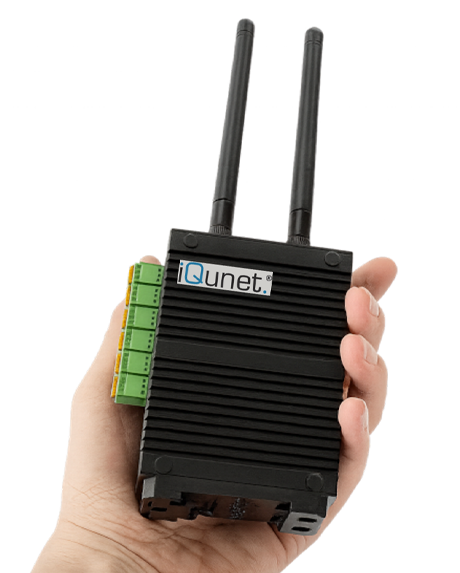 Edge Gateway M4, shown for scale
Edge Gateway M4
Collect compatible sensors and existing equipment data in one place. The M4 provides local storage, embedded software and open data interfaces.
Explore the M4Investigate the change
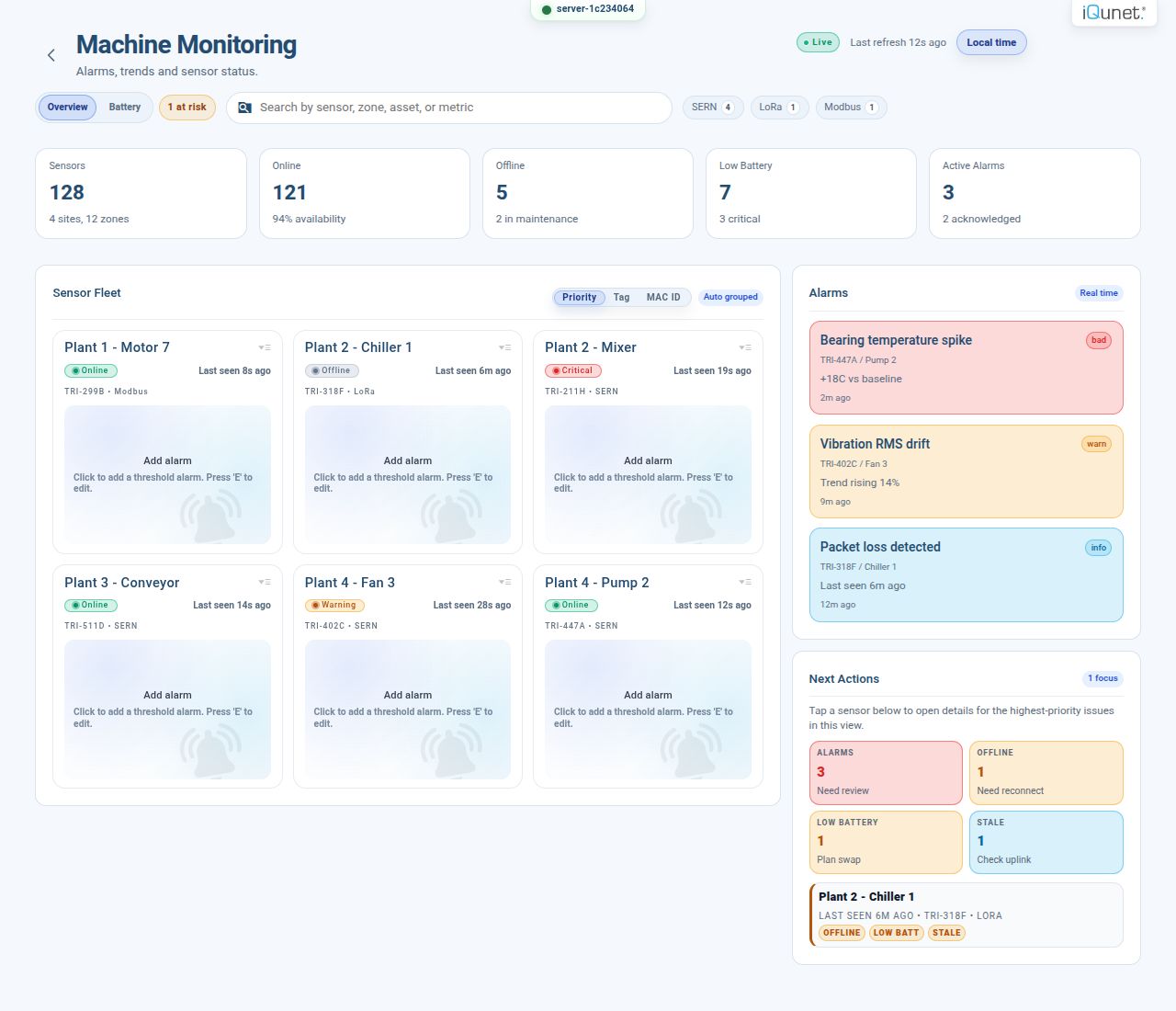 Sensor Alarms interface
Monitoring software
Review equipment status and trends, then open a waveform or spectrum for a closer look. Work in your browser with software running on the M4.
See the softwareStart with one measurement point
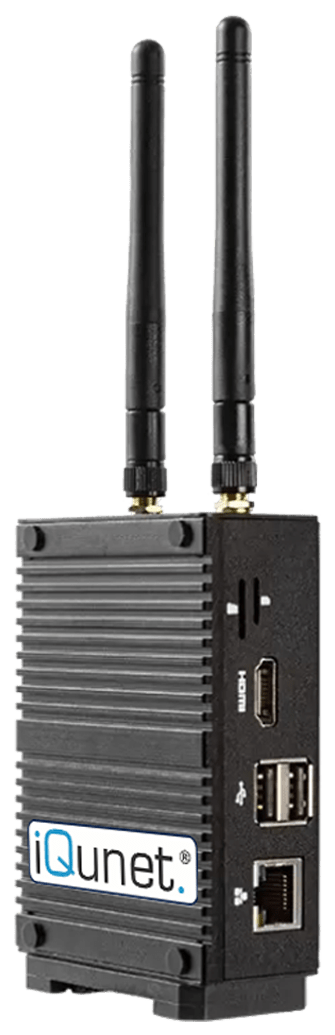
Vibration starter pack
From one sensor to a recorded history
Record vibration and temperature at one measurement point. Open the M4’s software in your browser to inspect the waveforms and follow changes over time.
€2,129 EU868 · excluding VAT and shipping
Package contents & installation
Included in the pack
- M4 with embedded software, power supply, power cables and USB modem.
- One wireless vibration sensor, mounting magnet, standard batteries and a large battery pack.
Match the setup to your site
Confirm the measurement points, capture settings, operating conditions, radio region, power and access. Agree who mounts the equipment, connects the network and checks the first readings.
Additional sensors, accessories, installation, configuration, integration and anomaly-detection services are scoped separately when needed.
Help with your first installationFrom the waveform to the report
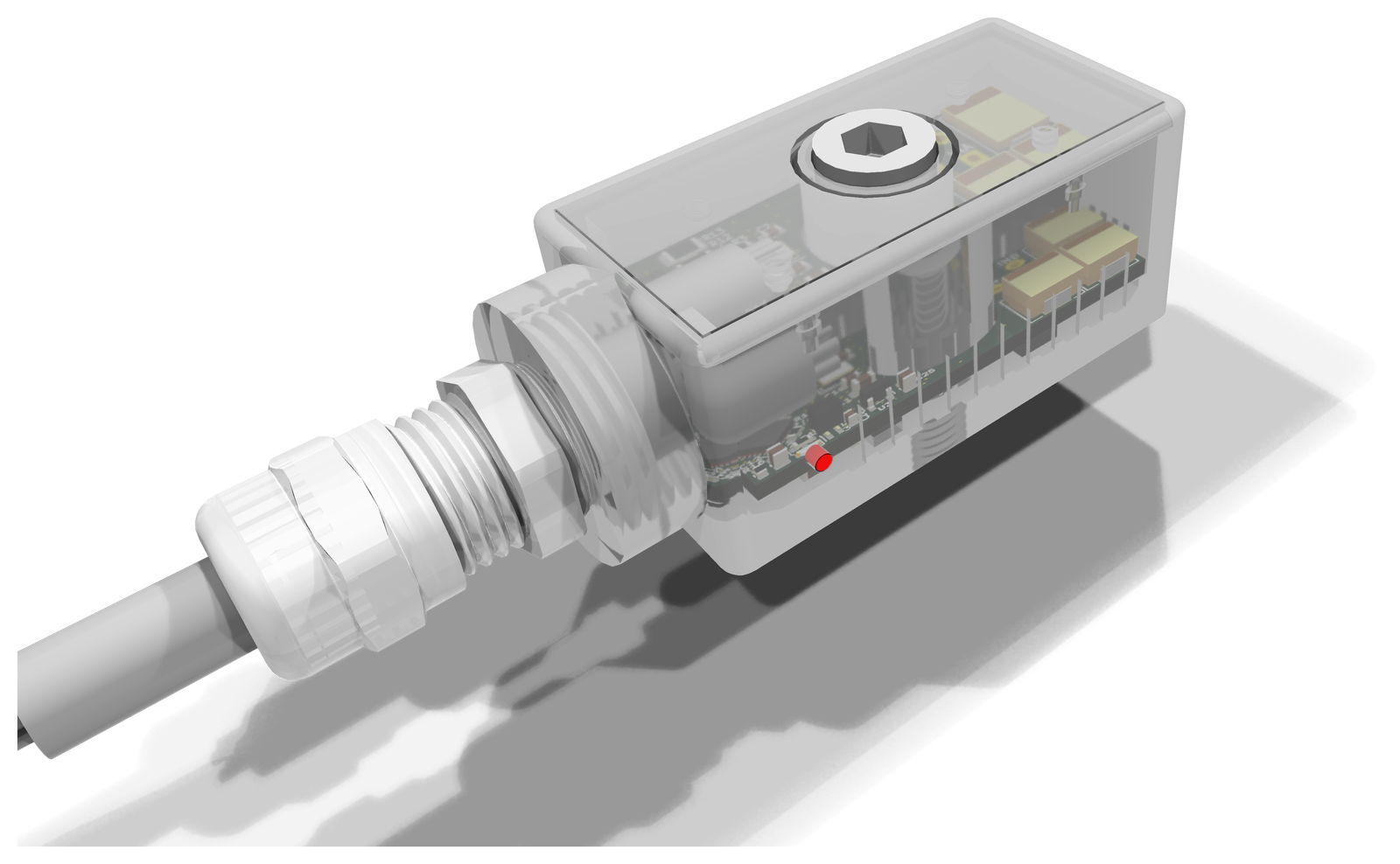
ModVibe 2.0 · Modbus RTU
Combine vibration and magnetic flux.
Record three-axis vibration, magnetic-field waveforms and internal temperature. Select low-noise or wideband vibration, with continuous FFT spectra calculated on the sensor.
Connect over RS-485 to your Modbus system or an iQunet M4.
Explore ModVibe 2.0OpenAI MCP integration
Ask about your measurements.
Use ChatGPT or Codex to discover sensors, read current values and compare their history. Work with the retrieved measurements in analyses, charts and reports.
Explore the MCP connectionon your M4
& Codex
Read-only gateway access in your authorised workspace.
Complete the connection
Build around your measurement task
Tell us what you want to measure or understand. You can ask before choosing sensors, interfaces or a gateway.